01
Product CGI
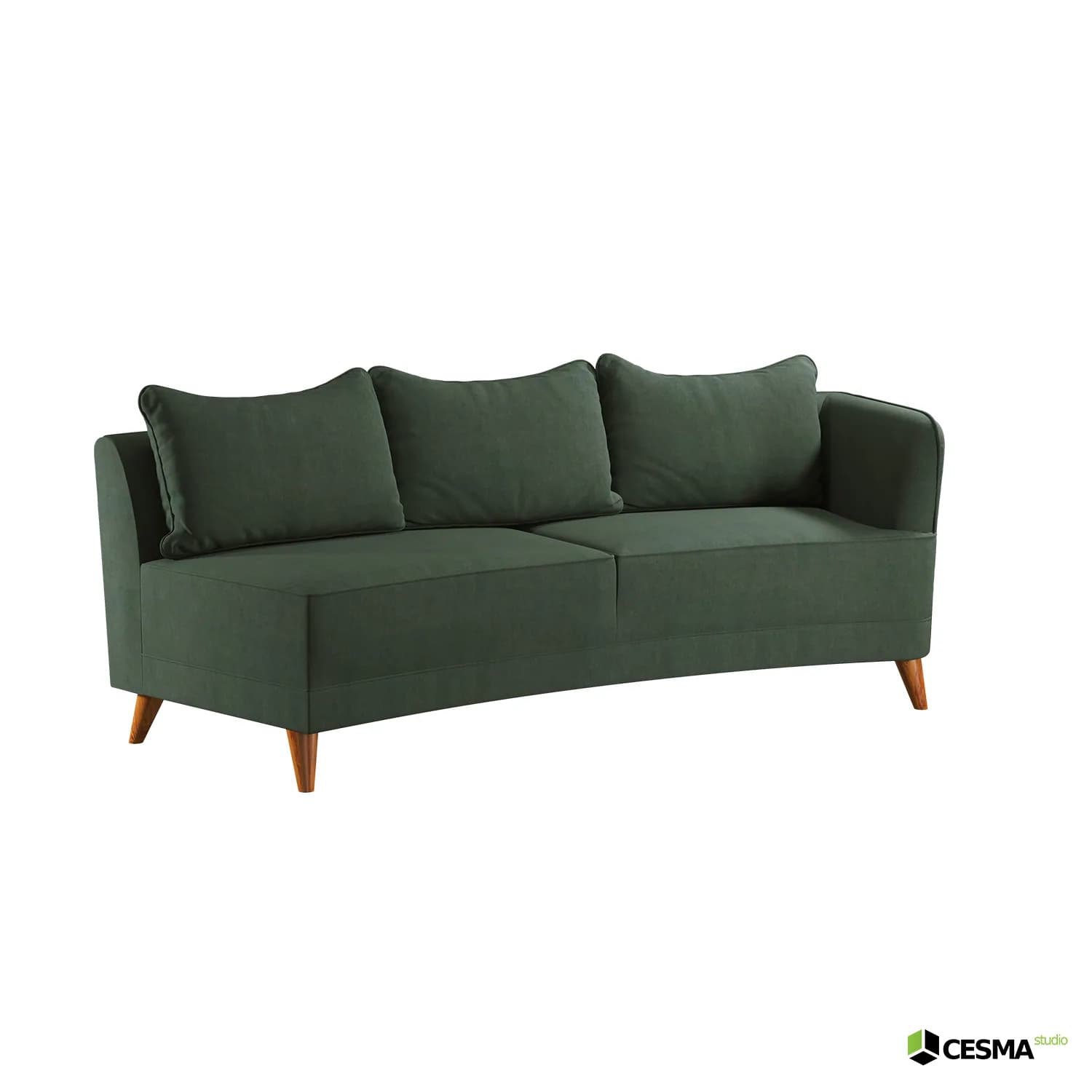
Clean product renders, close-ups and precise finish studies for e-commerce, catalogues and marketplaces.
View relevant workFor furniture, homeware, kitchen and bathroom brands. Lifestyle scenes, cutouts, details and finish variations for e-commerce, catalogues and campaigns.
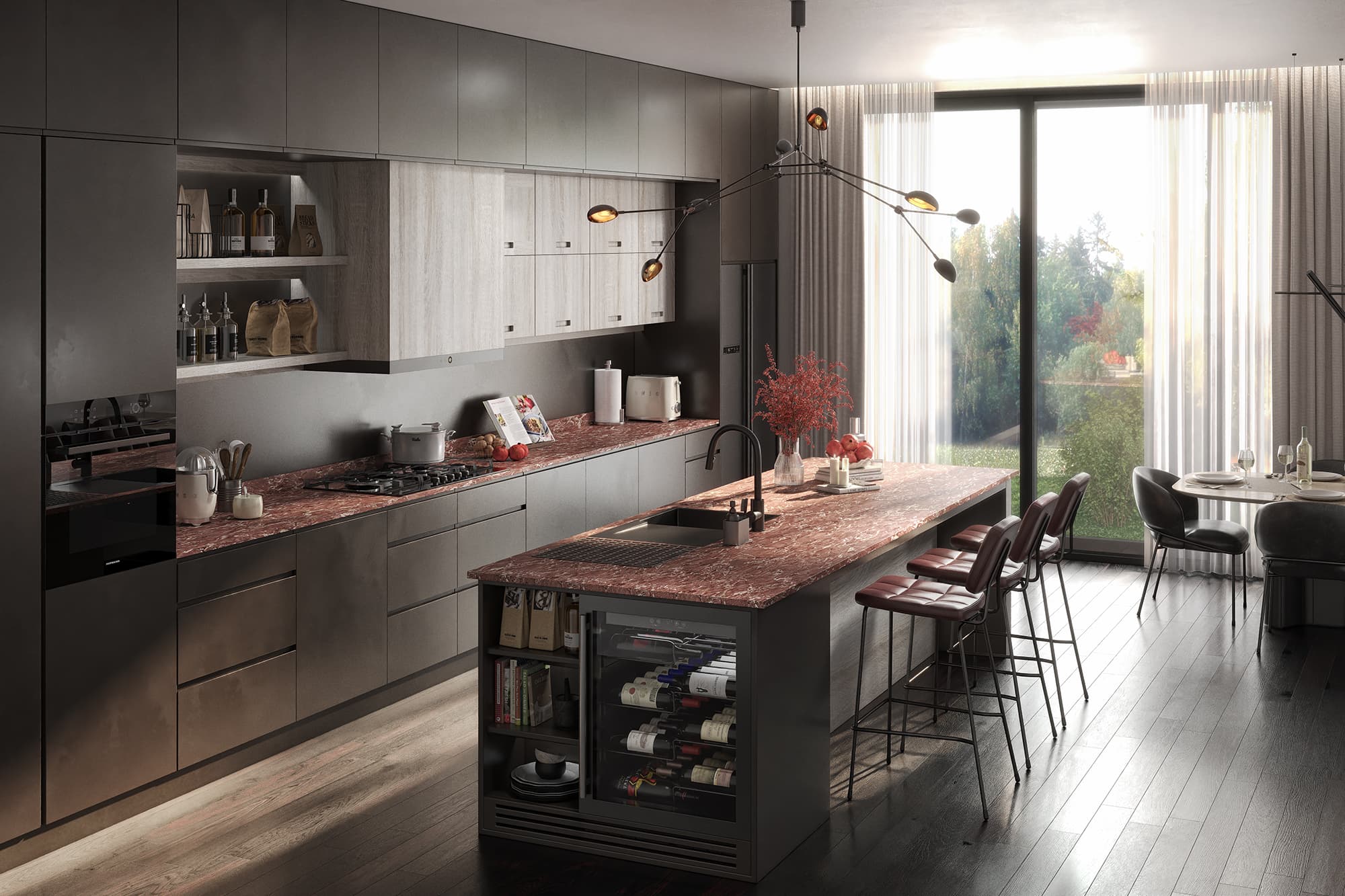
Selected work
Furniture, kitchen, bathroom and building product CGI across lifestyle scenes, cutouts, details, finishes and catalogue-ready visual systems.
View the full portfolio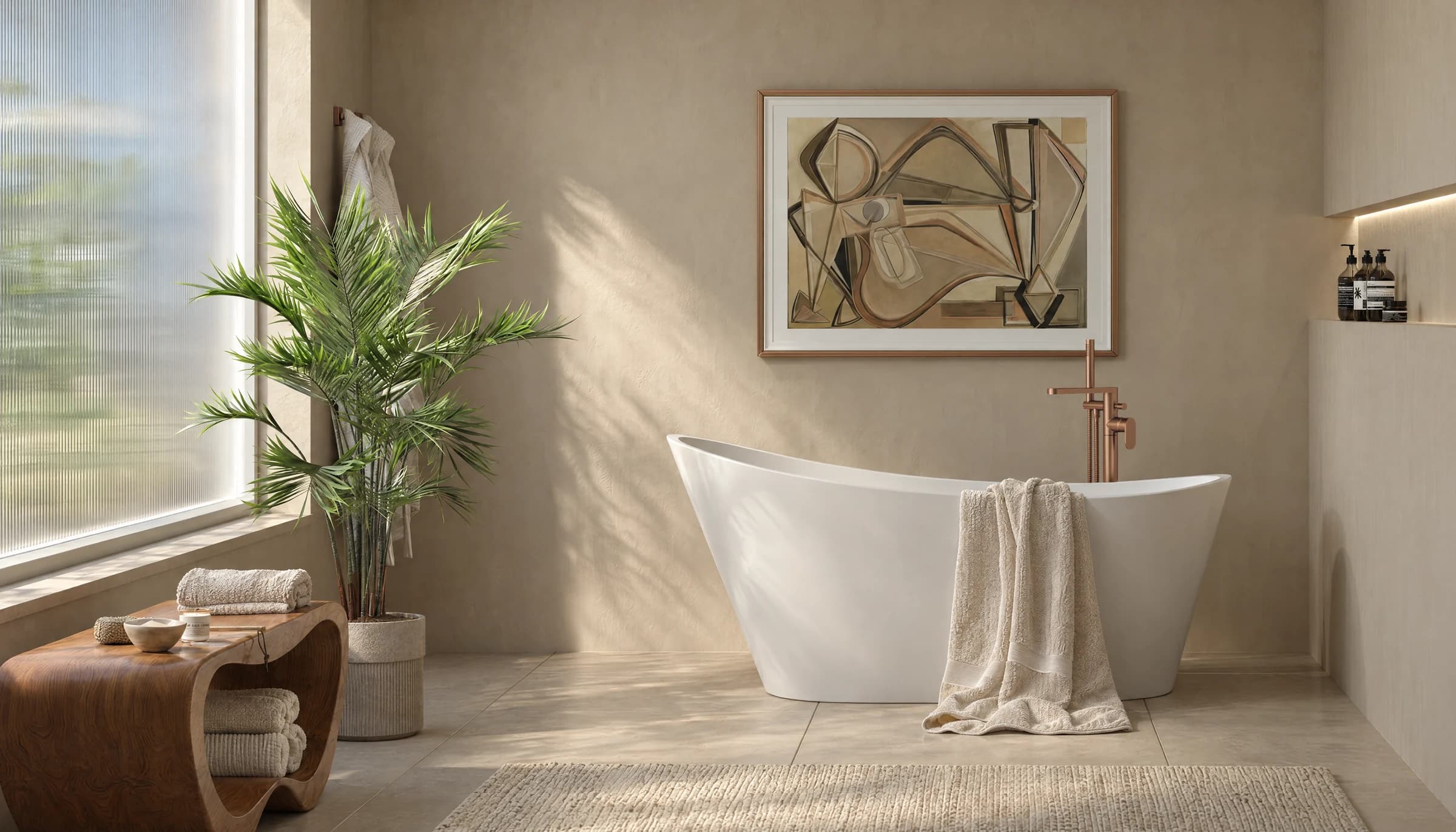
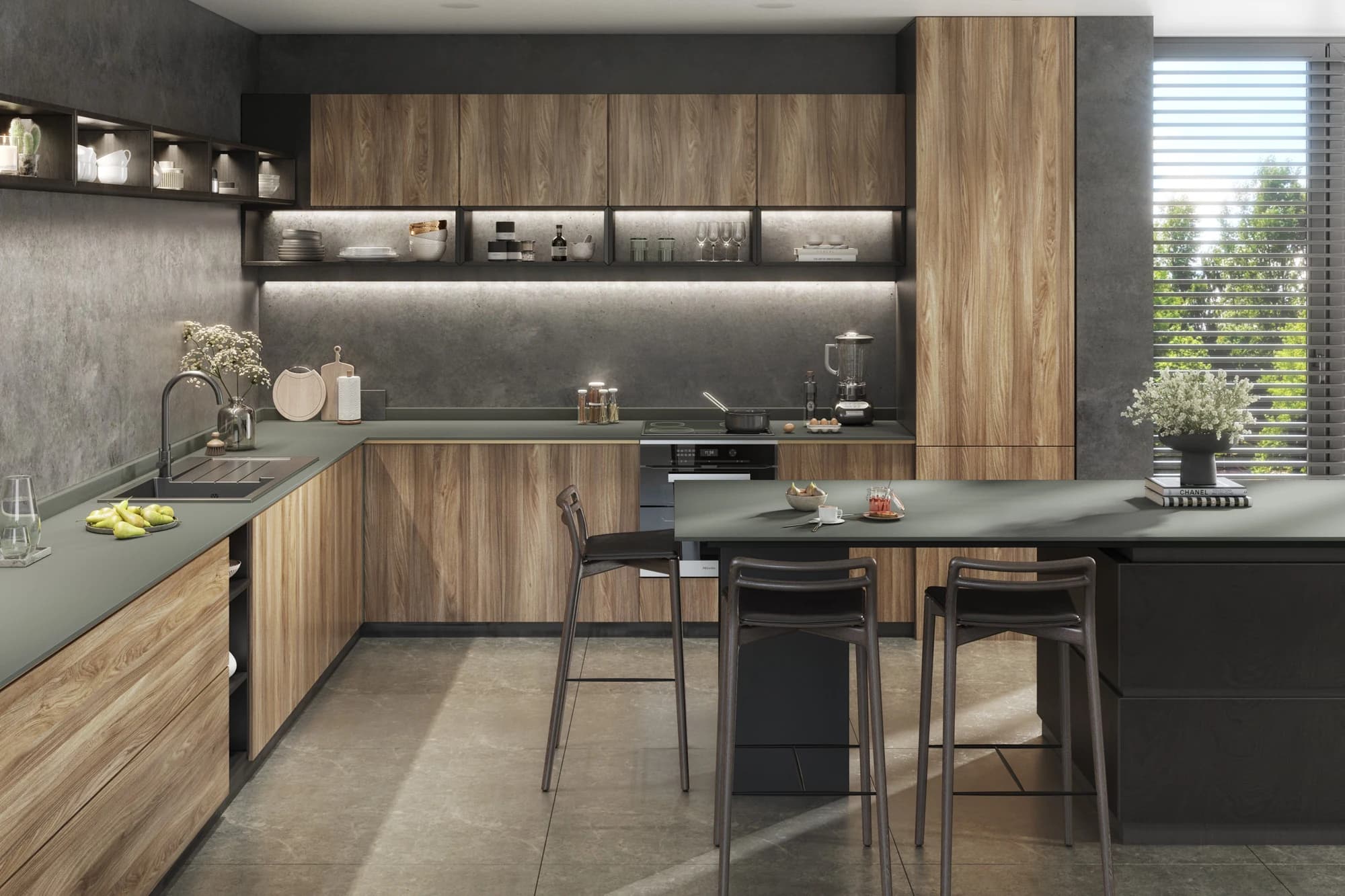
Kitchen & Bathroom Product CGI
Ongoing client partnership
Dedicated monthly production for Robert Lee, now part of Roxor Group: roomsets, cutouts, finish variants and channel-ready image sets.
Read the case study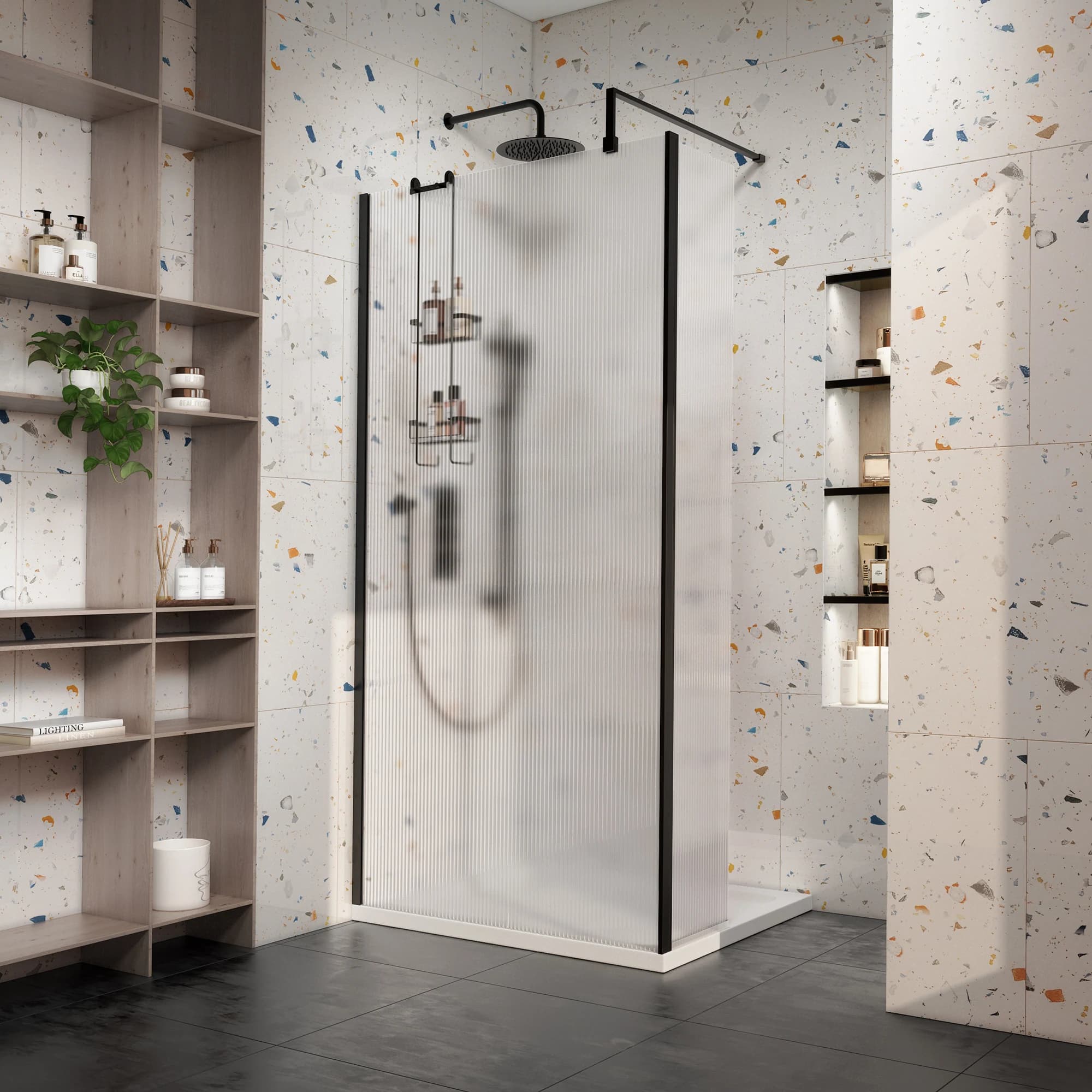
Client
Robert Lee
Engagement
2021–present
Production
Monthly
Archive
780+ work packages
One setup, many outputs
Approve the geometry, materials, lighting and visual direction once, then expand the same setup into the complete image system your range needs.
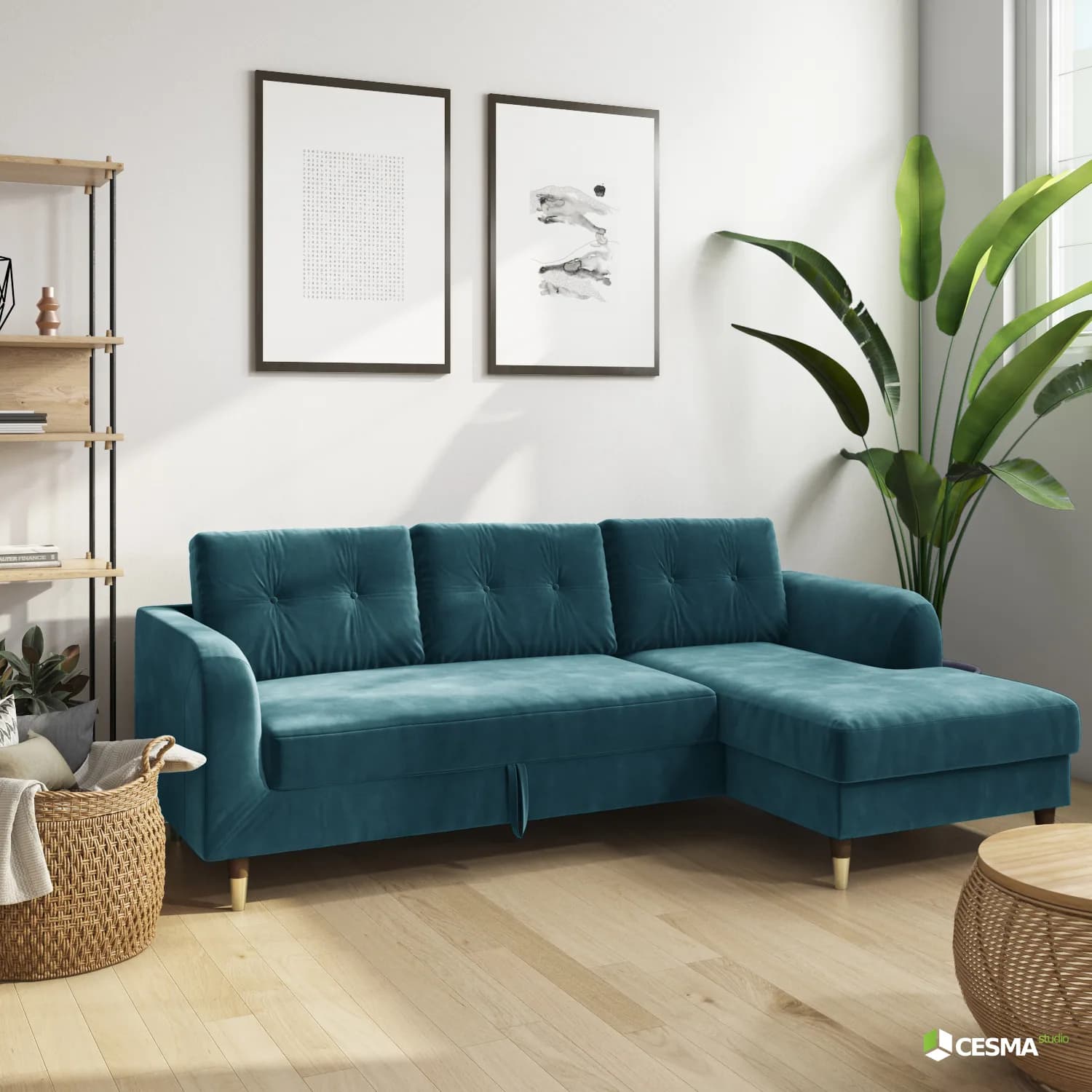
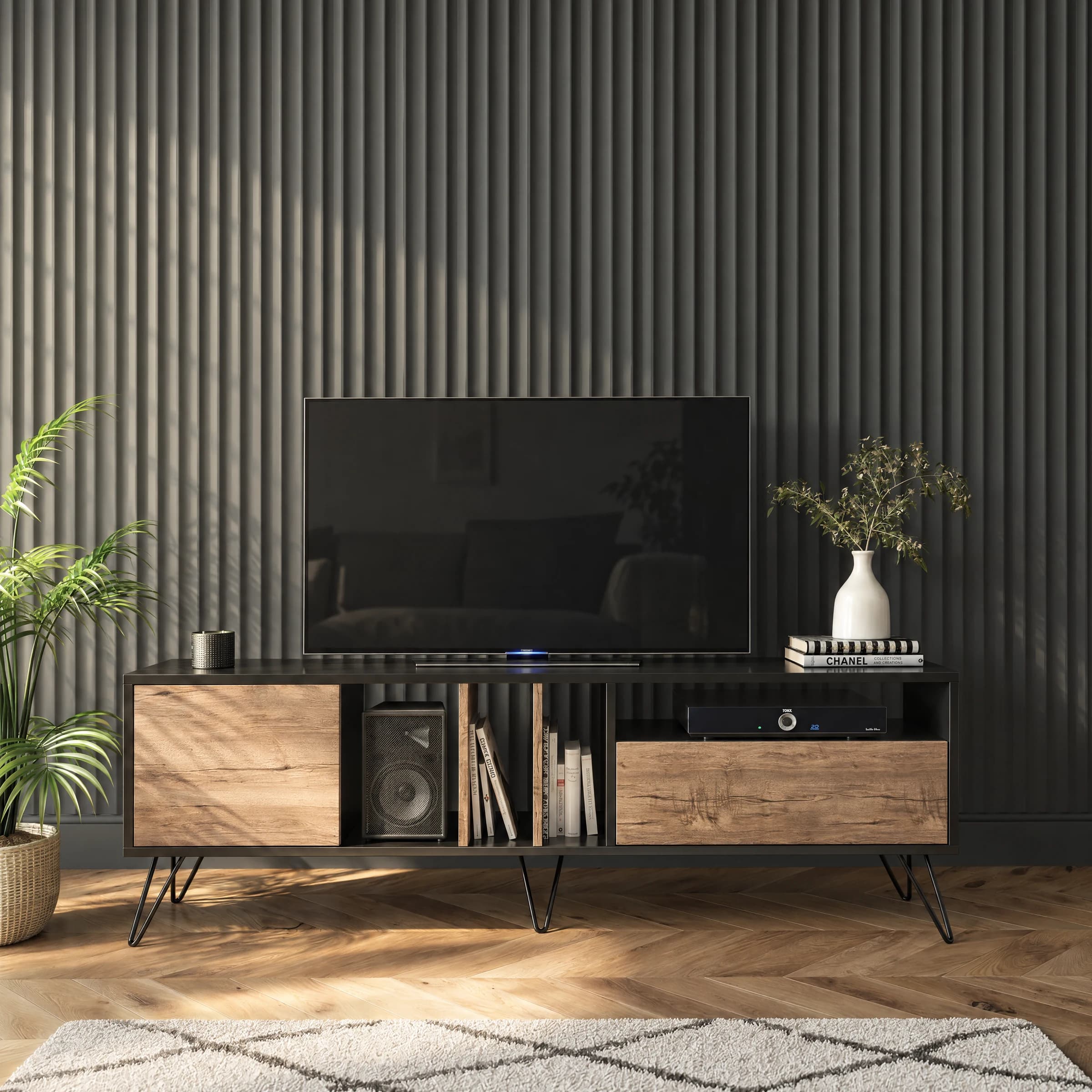
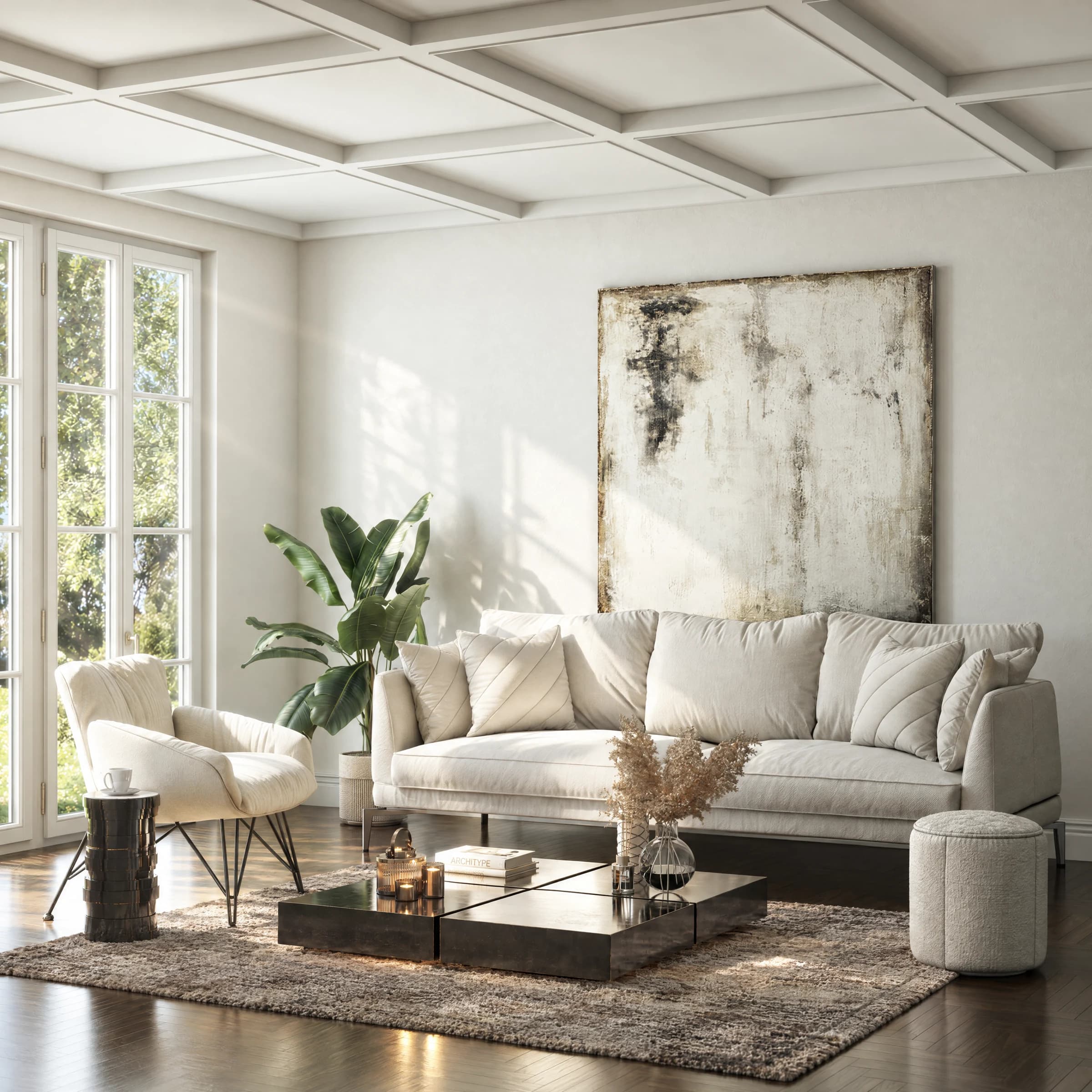
The product placed inside a fully art-directed room set.
Services
From one product setup, we create the assets needed across product pages, catalogues, launches and campaigns.
Explore all deliverablesClean product renders, close-ups and precise finish studies for e-commerce, catalogues and marketplaces.
View relevant work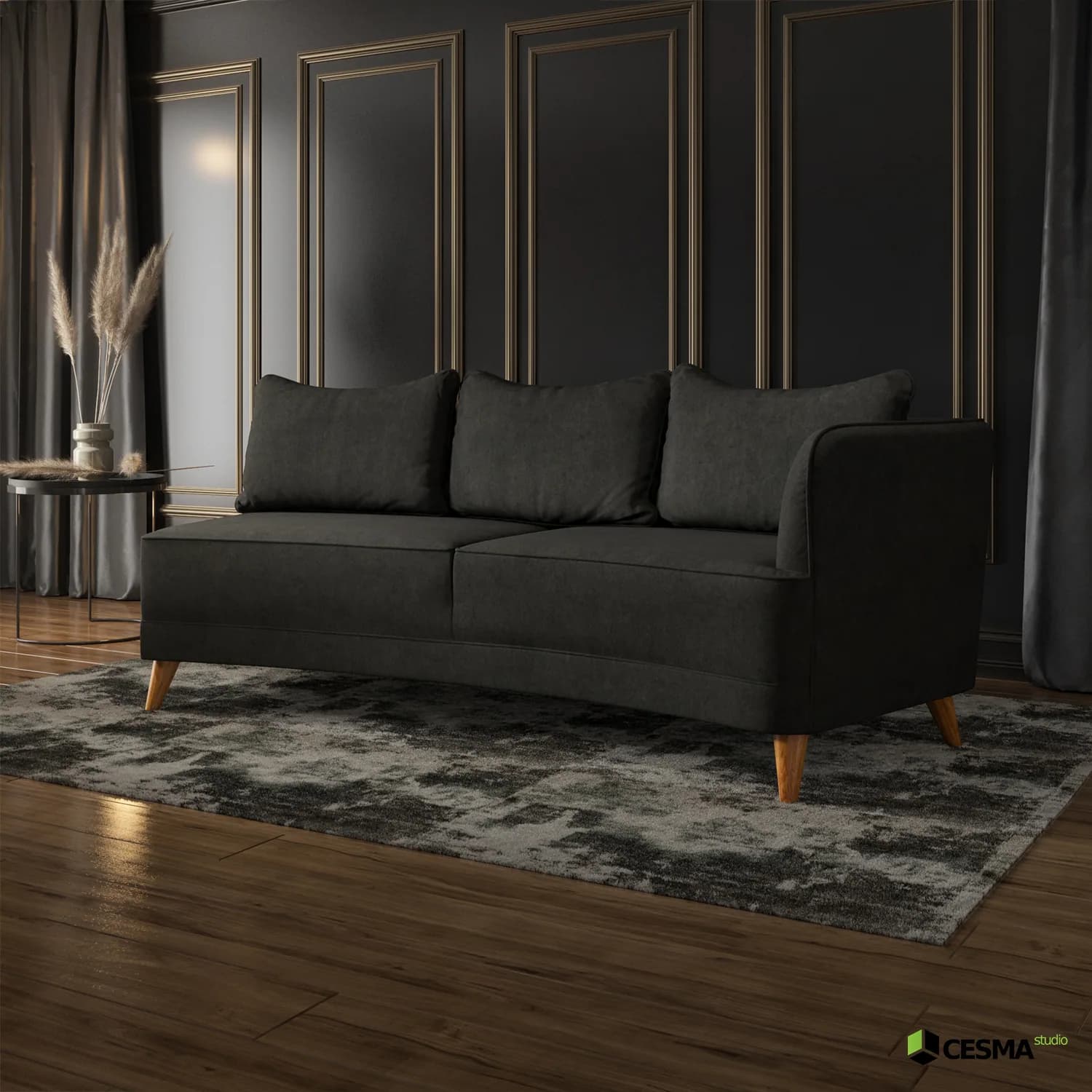
Products placed in art-directed room sets with controlled lighting, styling and material response.
View relevant work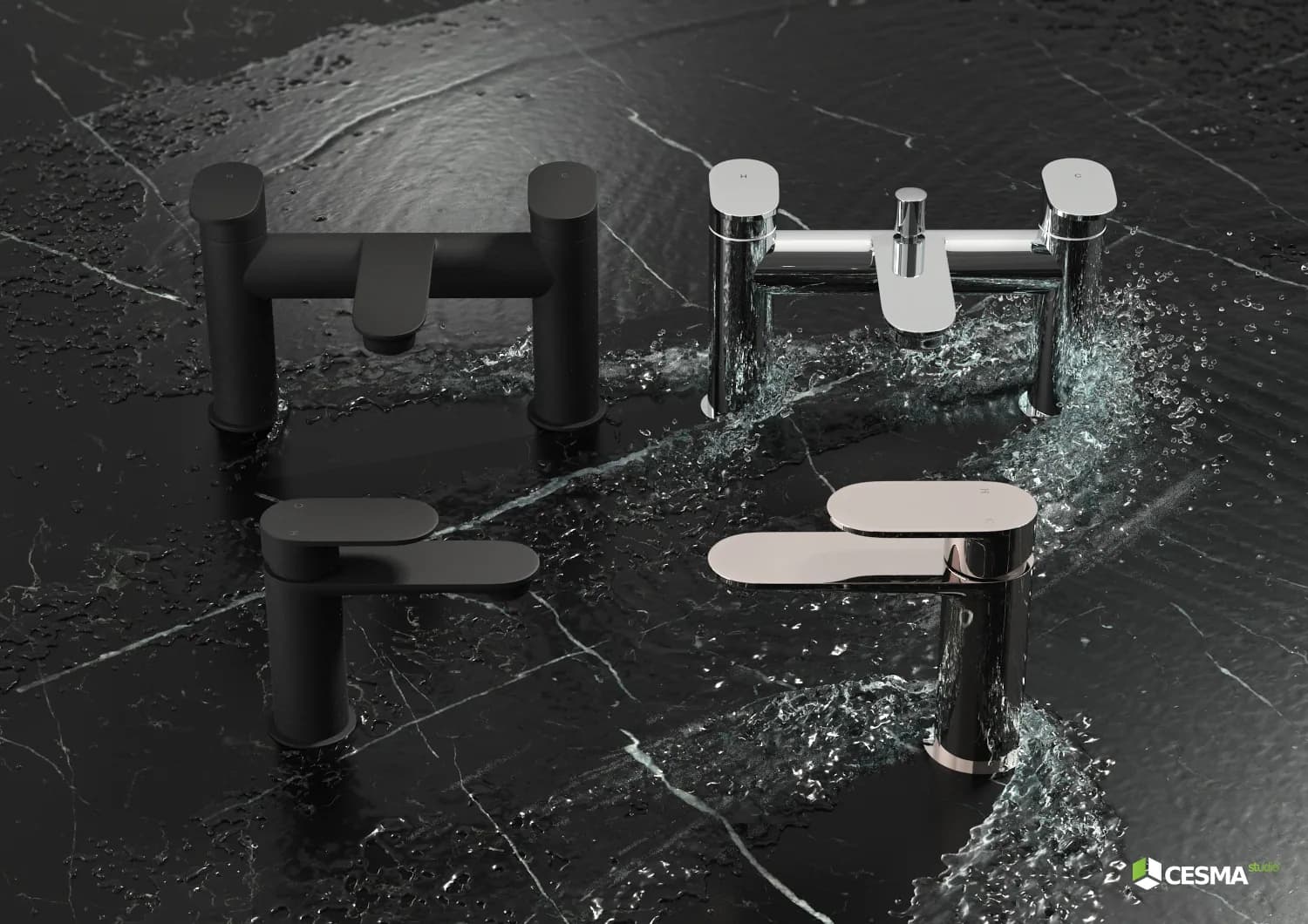
Reusable visual systems for product ranges, colourways, configurations, detail crops and short campaign animation.
View relevant work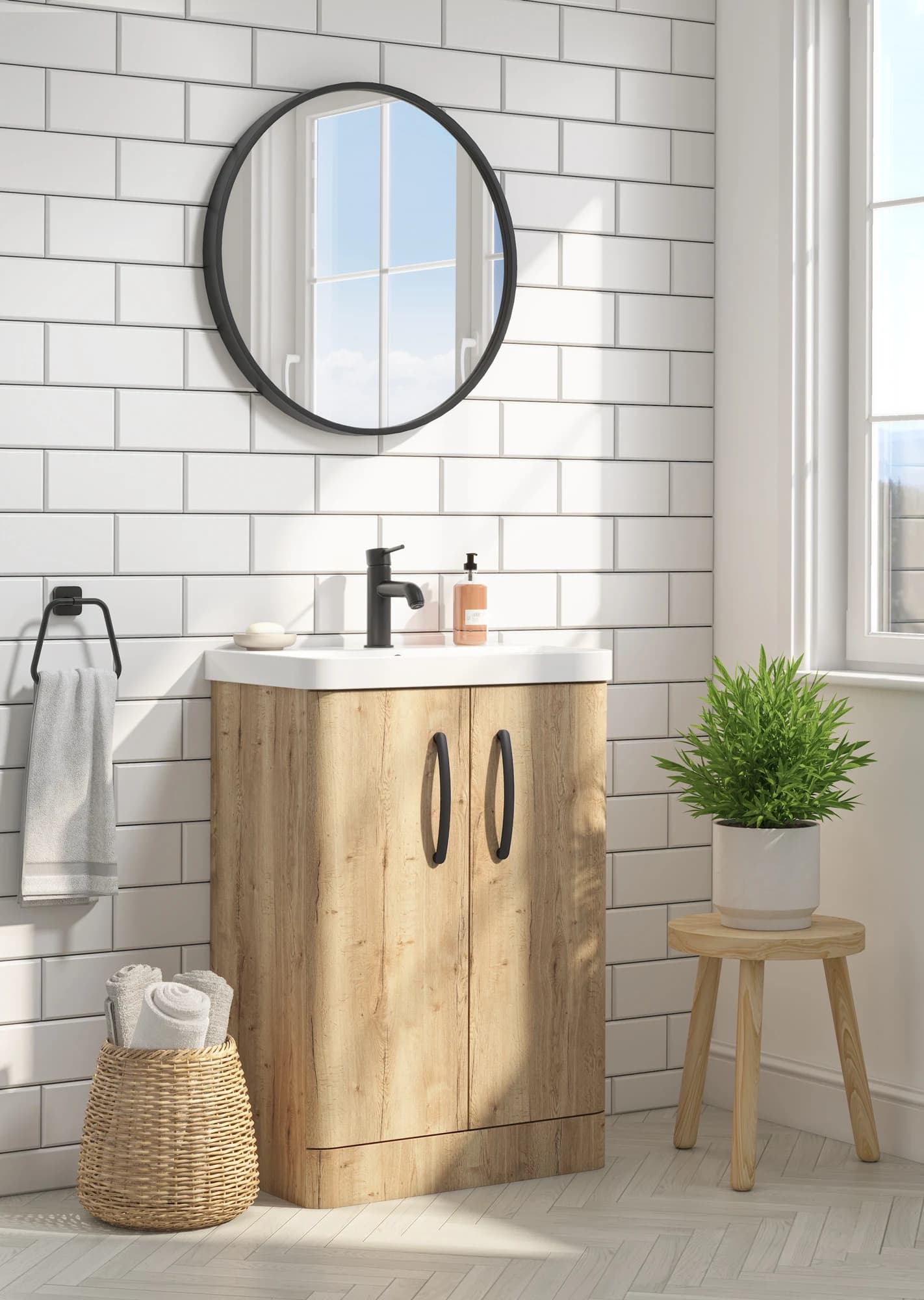
Why product brands use CGI
Build the product once, then extend the same visual logic across product lines, channels, launches and seasonal updates.
Lock the geometry, materials, camera language and lighting before expanding production.
Create consistent lifestyle scenes, cutouts, details and finish variations without a new shoot for every SKU.
Prepare one coordinated image system for e-commerce, catalogues, launches and campaign motion.
Lifestyle CGI
Product cutouts
Detail crops
Finish variants
Catalogue imagery
Campaign motion
Process
CAD files, drawings, product photography, material references and the required image list.
We establish the model, materials, lighting and first visual direction for approval.
The approved setup becomes lifestyle scenes, cutouts, details, colourways and motion.
Final assets are prepared for web, marketplaces, print, campaigns and social channels.
Built for product brands
The best fit is a brand with multiple products, finishes, collections or recurring image requirements across e-commerce and catalogues.
Furniture brands
Homeware brands
Kitchen & bathroom brands
Decor & lighting brands
Product manufacturers
E-commerce teams
Catalogue-driven brands
Agencies supporting product brands
Low-risk starting point
For new clients with a clear brief: one lifestyle CGI image, one product cutout and two simple variations before scaling into a larger catalogue or collection workflow.
Complex modelling, unclear briefs or concept-heavy scenes are quoted separately.
Start with a product brief
Send the product, references, required outputs and deadline. We will recommend a practical starting point and the right path to scale.